GoHighLevel Prospecting Tool vs Rockitgo Radar: What Each One Does
 Natalie N., Founder · · 7 min readNatalie N., Founder · · 7 min read
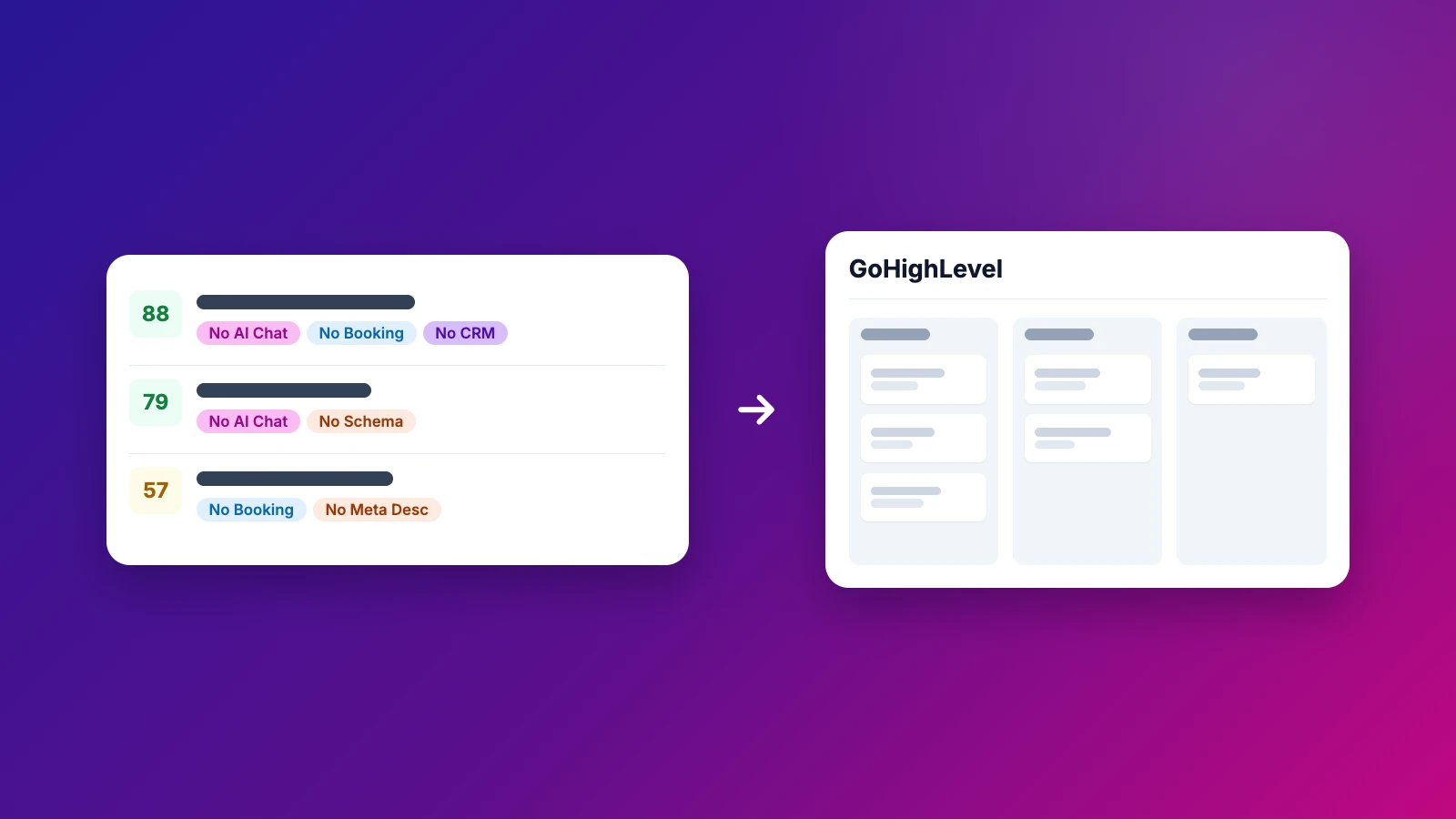
HighLevel's Prospecting Tool finds businesses near a location and builds a marketing audit for each one, covering listings and reviews, plus website and local SEO on Premium. Rockitgo Radar scores each business it finds in a city against the services you sell, across more than 100 signals. When a lead is worth working, you push it into GoHighLevel yourself.
If you run a GHL agency, you don't have to pick one. I'll show you what each does well, where they overlap, and the setup I'd use if you already live in GoHighLevel. That part comes later in this post.
The Prospecting Tool sits in your agency view in HighLevel. You search by keyword, business type or brand name around a location, and it pulls up matching local businesses.
For each one it builds a marketing audit report. According to HighLevel's Free vs Premium Prospecting guide (updated April 21, 2026):
You share the report with a link. In a sub-account, prospects can go into your CRM, Opportunities pipeline and Workflows, and you can send email and SMS with AI-recommended templates.
It's a solid starting point, and the free version costs you nothing if you're already on HighLevel.
Radar starts from what you sell. You tell it your services, then scan a service and a city, any city in the US. Radar checks every business for more than 100 signals across 14 categories: chat, CRM, booking, ad pixels, SEO basics, mobile, and more.
Then each business it finds gets an Opportunity Score built around your services. If you sell chat and CRM, businesses without them score high. If you sell SEO, missing meta tags and schema do. Sort or filter by the score and work your best fits first.
On top of the score:
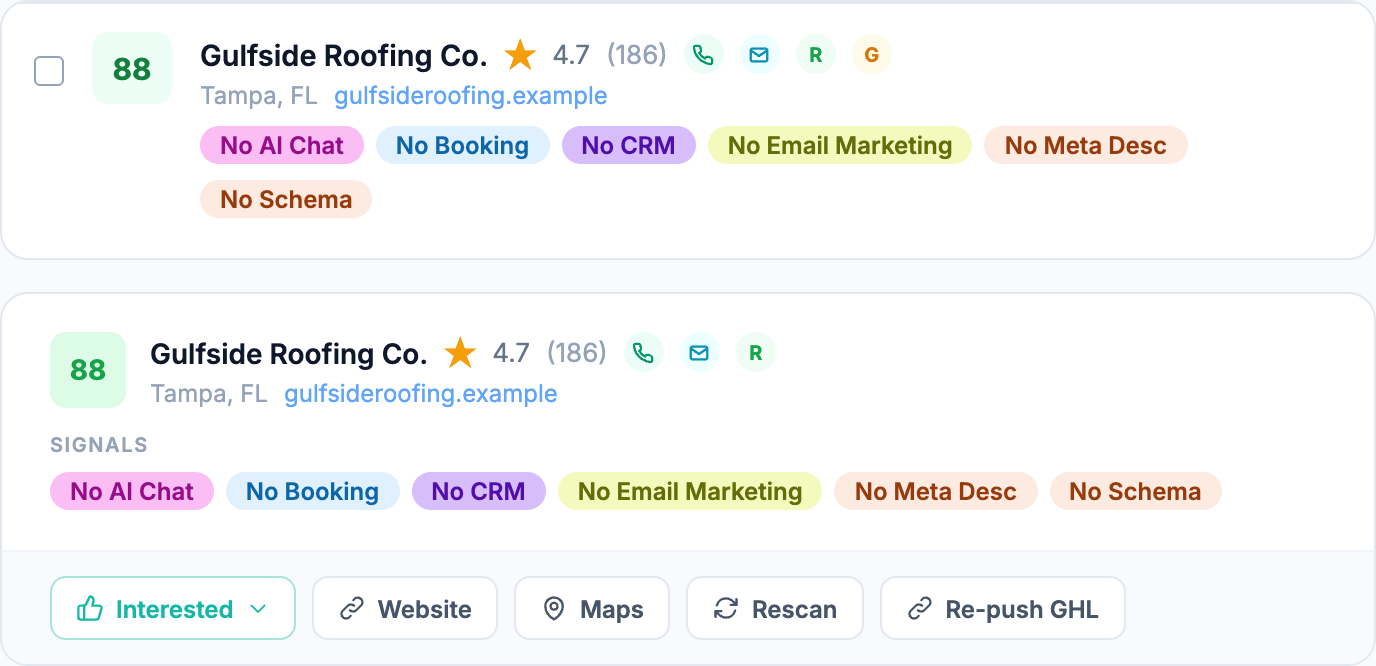
Then push the ones worth working into GoHighLevel.
Start your free trialBoth platforms give you something to send the business. They're built for different jobs.
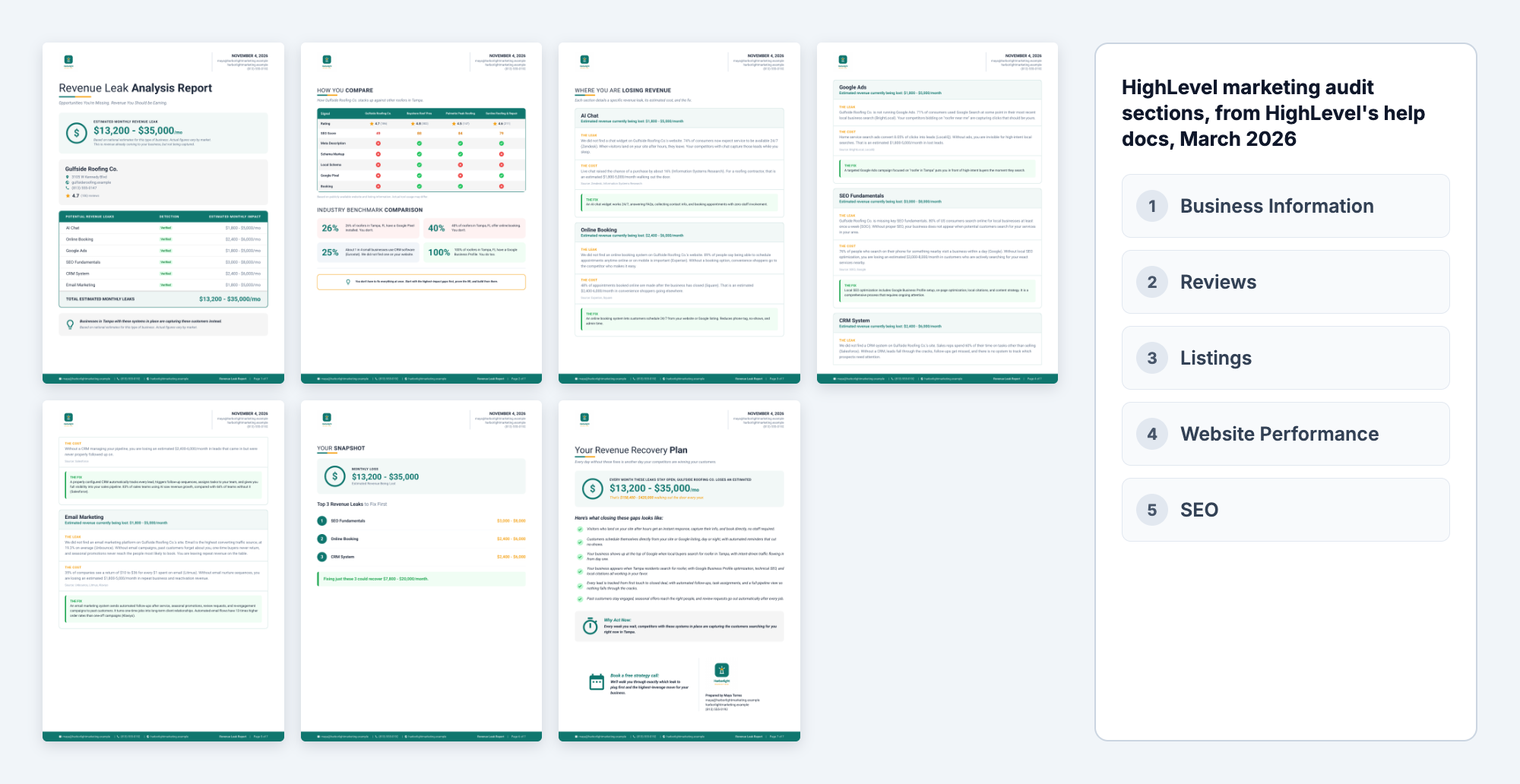
HighLevel's marketing audit grades the business's whole online presence. Its guide to the report's grades (updated March 13, 2026) scores five equal sections: business information, reviews, listings, website performance and SEO. Its SEO section is a local search heat map. It leans toward listings, reviews and local SEO.
Radar's Revenue Leak Report is built around what you sell. It only covers the gaps that match your services. For each one it shows the leak, what it's likely costing the business in dollars, and the fix. It adds a revenue calculator and a recovery plan. A competitor comparison appears when nearby businesses from the same search are ahead. Send it as a PDF or a share link.
| HighLevel marketing audit | Rockitgo Radar Revenue Leak Report | |
|---|---|---|
| Built around | The business's overall marketing presence | The services you sell |
| What it covers | Business info, reviews, listings, website performance, local SEO heat map | Each gap that matches your services, across up to 14 categories |
| Money | Grades and scores; dollar estimates aren't described in its help docs | What each gap is likely costing, plus a revenue calculator |
| What to do next | Not described in its grading guide | The fix for each gap and a recovery plan |
| Competitors | A compare tab benchmarks up to three competitors on listings and reviews | Nearby businesses from the same search that are ahead of them |
| Your branding | Logo, colours, header and footer with Premium | Your logo and colours on Elite; your agency's name and contact details on every plan |
On Elite, the report carries your own logo and colours, and Rockitgo Radar's branding comes off. The business sees your agency, nobody else's. To be fair to HighLevel, Premium lets you brand its report too.
| HighLevel Prospecting Tool | Rockitgo Radar | |
|---|---|---|
| Finds businesses | By keyword, business type or brand, around a location (radius up to 31.1 miles) | By service and city, any city in the US |
| What it checks | Listings, reviews and business profile details; website speed, SEO and mobile on Premium | 100+ signals across 14 categories, including chat, CRM, booking, pixels and SEO |
| Lead score | Not described in its help docs | Opportunity Score built around the services you sell |
| Report | Marketing audit report, shared by link | Revenue Leak Report with dollar estimates and a recovery plan, plus a competitor comparison when nearby businesses are ahead; PDF or link |
| Outreach | Email and SMS with AI-recommended templates, in a sub-account | AI Outreach: email, social DM or text, four tones, report link included |
| Pipeline | Your HighLevel CRM, pipeline and workflows | Statuses and notes in Radar; you push leads to GoHighLevel when you're ready |
| Price | Basic free at agency level; Premium $29 a month | Starter $197, Pro $297, Elite $497 a month; 7-day free trial |
HighLevel facts checked in its help center on November 2 and 3, 2026. "Not described in its help docs" means we couldn't find it there, not that it can't be done.
If GoHighLevel is home for your agency, here's the setup I'd use. Find and qualify in Radar: scan your niche and city, filter by Opportunity Score, build the report and the first message. Then push the leads you're working into GoHighLevel, so your pipeline, workflows and follow-ups run where the rest of your business already runs. You choose which leads go over; Radar doesn't send anything on its own.
You get Radar's scoring and reports on the front end and HighLevel's automation on the back end, and nobody retypes a lead.
For the bigger picture on prospecting as an agency, read the lead generation playbook for marketing agencies, or see how Radar works.
It's a feature in HighLevel's agency view that finds local businesses by keyword, business type or brand around a location, and builds a marketing audit report for each one. The free Basic version covers listings and reviews. Premium adds website performance and local SEO audits, with unlimited reports, according to HighLevel's help docs.
Open Prospecting in your agency view, search a business type and location, and generate an audit report for the businesses you want. Share the report by link, then add the prospect to a sub-account to use your pipeline, workflows, email and SMS. If you want leads scored against your services first, find them in Radar and push them in.
HighLevel's Prospecting Tool help docs don't describe a lead score for prospects. Rockitgo Radar gives each business it finds an Opportunity Score built around the services you sell, across more than 100 signals, and you can push your highest-scoring leads into GoHighLevel to work them there.
The Basic version is free at the agency level, according to HighLevel's help center: 50 Basic reports a day and 5 Premium reports a month. Premium costs $29 a month and adds website and local SEO audits with unlimited reports. Check HighLevel's help center for current terms, since plans change.
You can add them by hand, use HighLevel's own Prospecting Tool, capture them with forms on your site, or push them in from another platform. With Rockitgo Radar, you scan a city, score each business it finds against your services, then push the leads you pick into GoHighLevel, so you're only adding the ones worth working.
Scan a city, score each business it finds against what you sell, and push your best leads into your GHL pipeline.
Start your 7-day free trial
Natalie N. is the founder of Rockitgo Radar. She's a UX/UI product designer with more than 20 years in tech and runs Rockitgo Digital, an agency focused on AI, automations and websites. Her team uses Radar every day to find new clients.